Gesture navigation
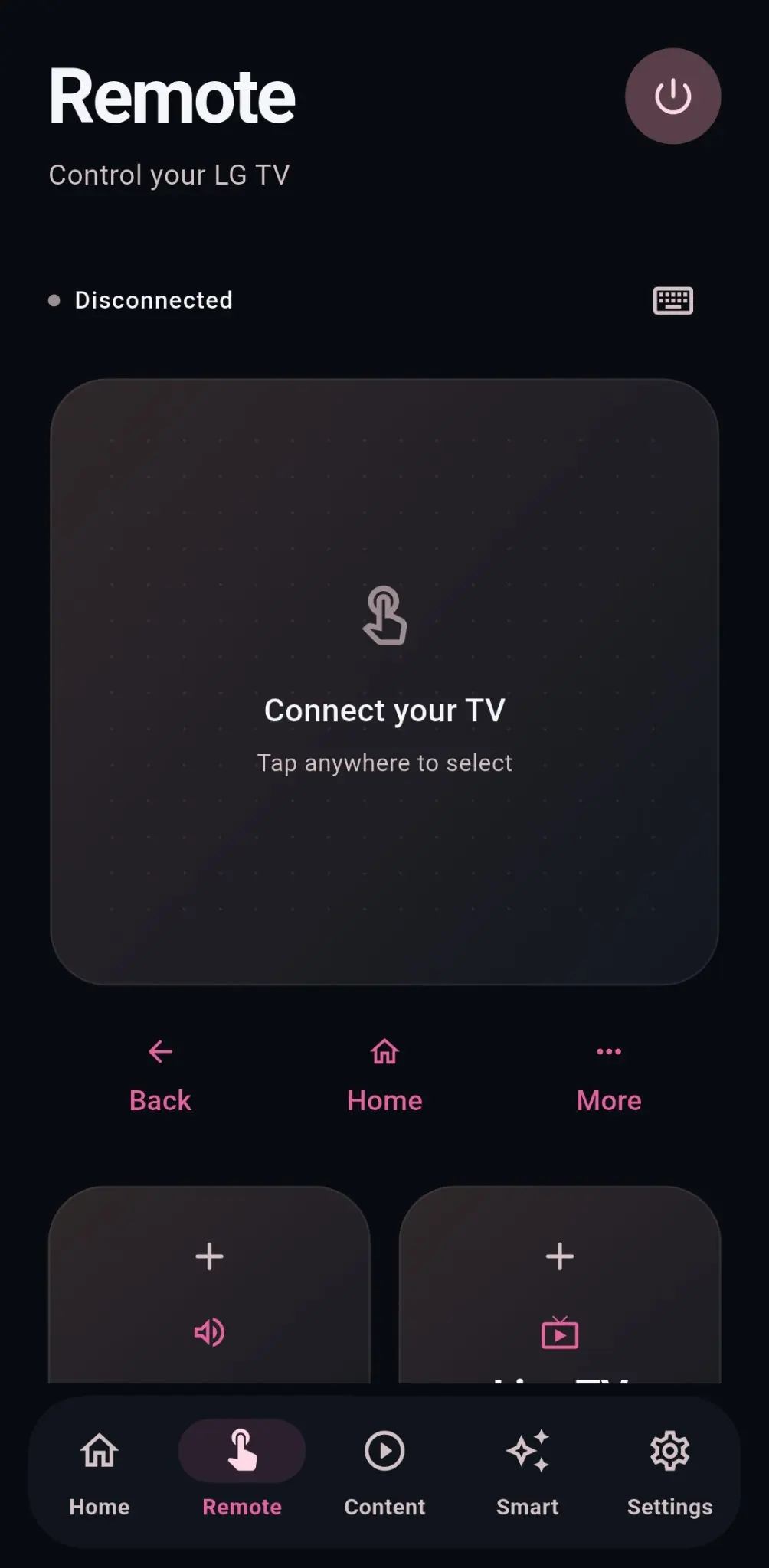
Swipe to move, tap to select and use a large touch surface instead of hunting through rows of buttons.
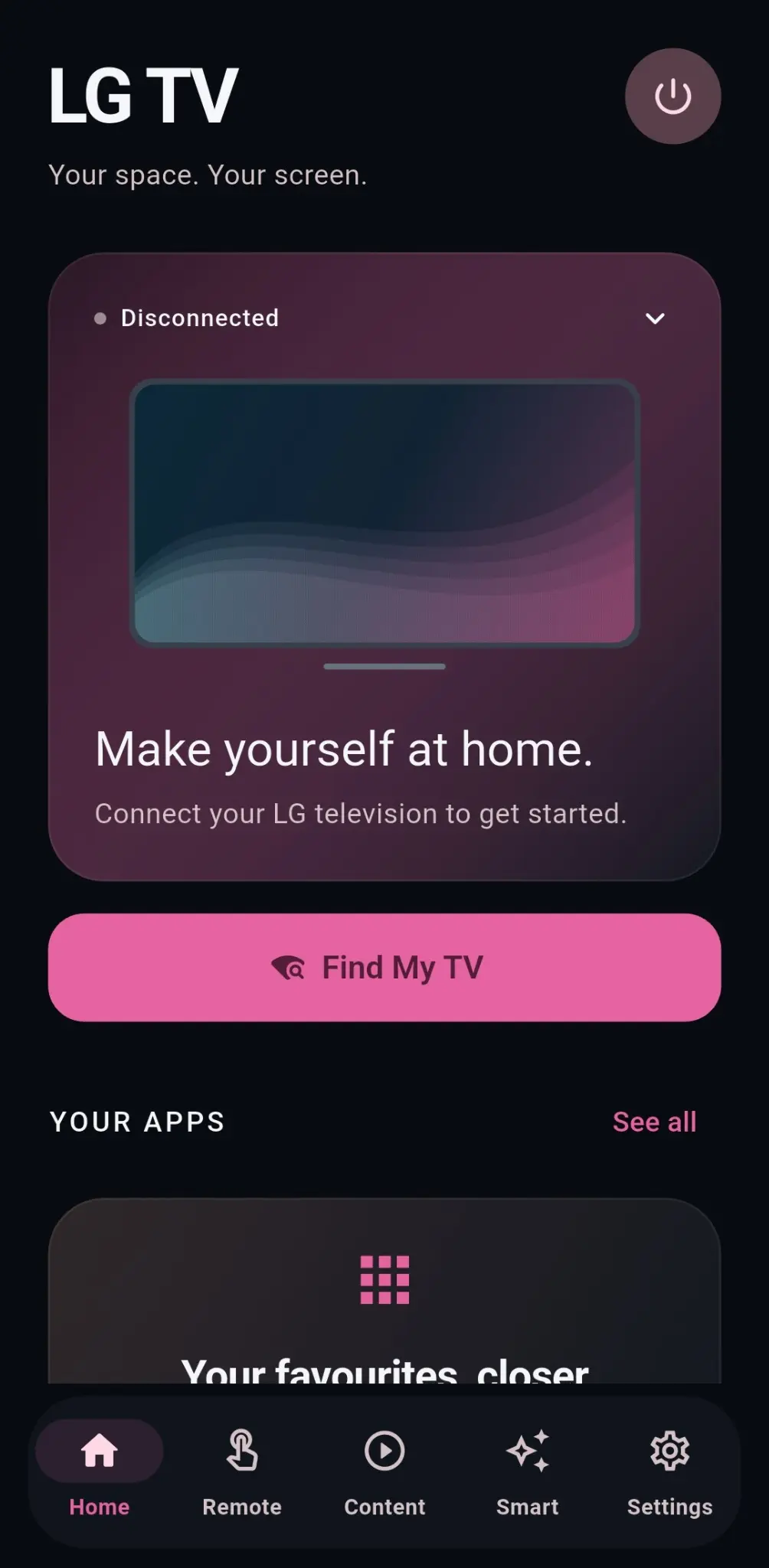
RiOSmart turns your phone into a clean, gesture-first TV remote. Pair locally, launch apps, switch inputs and stay in control without a crowded keypad.
Designed for everyday control
A modern control experience built around the features people actually use.
Swipe to move, tap to select and use a large touch surface instead of hunting through rows of buttons.
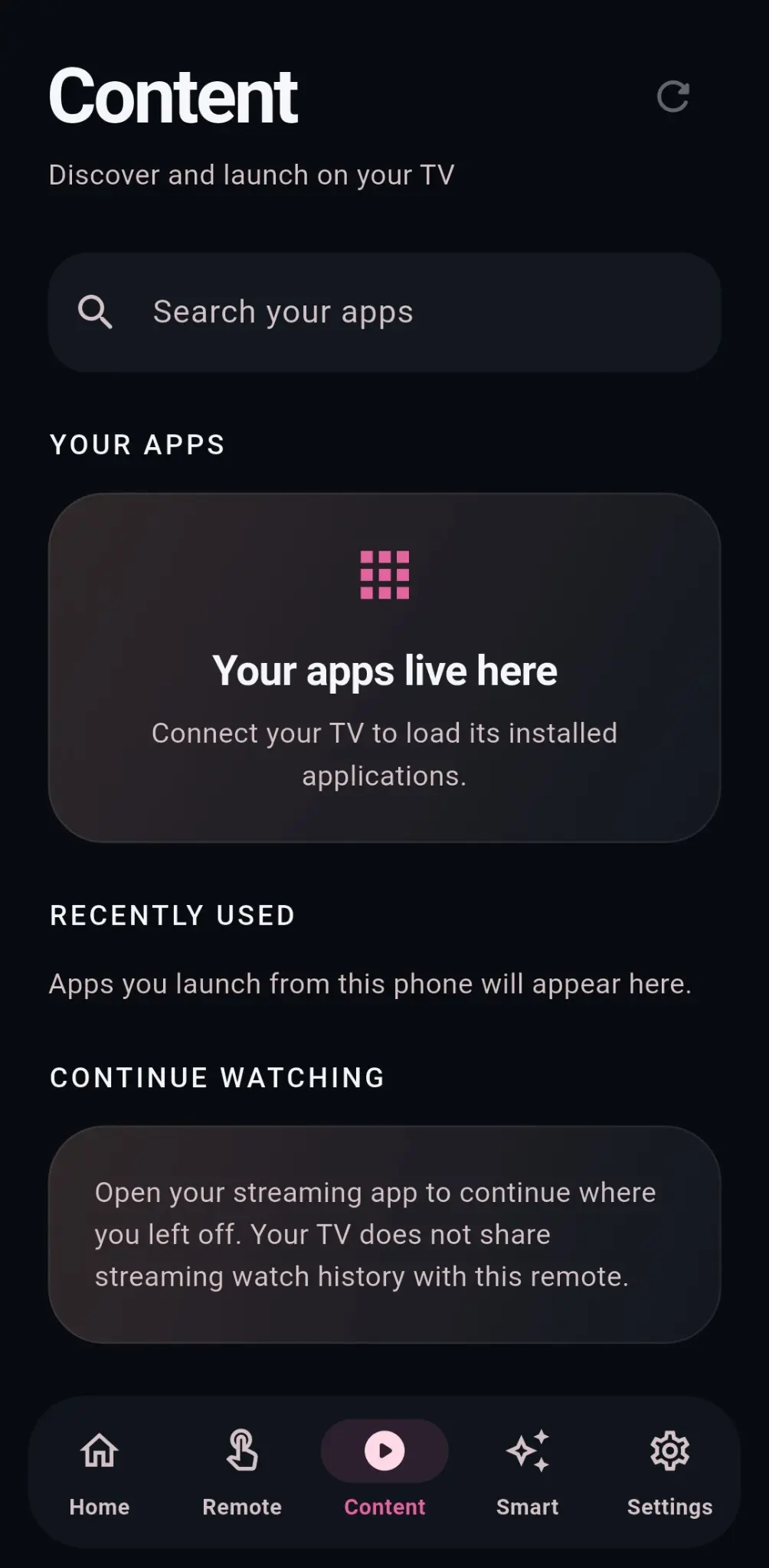
Open launchable apps and switch between HDMI or other sources reported by your television.
Your phone talks directly to your TV on the local network. Pairing credentials stay securely on your device.
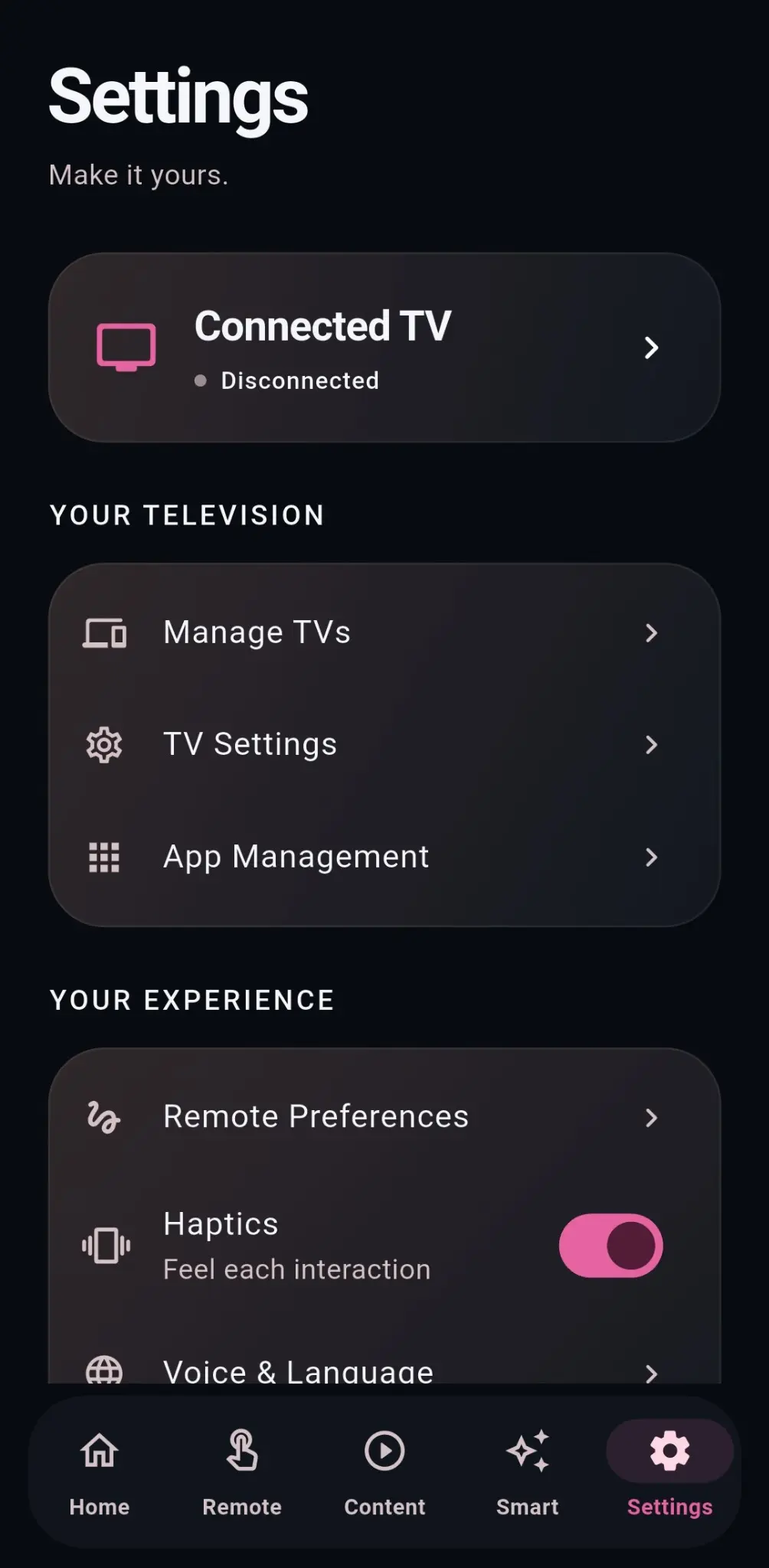
Save and rename televisions for different rooms, choose a default TV and reconnect automatically.
Inside RiOSmart
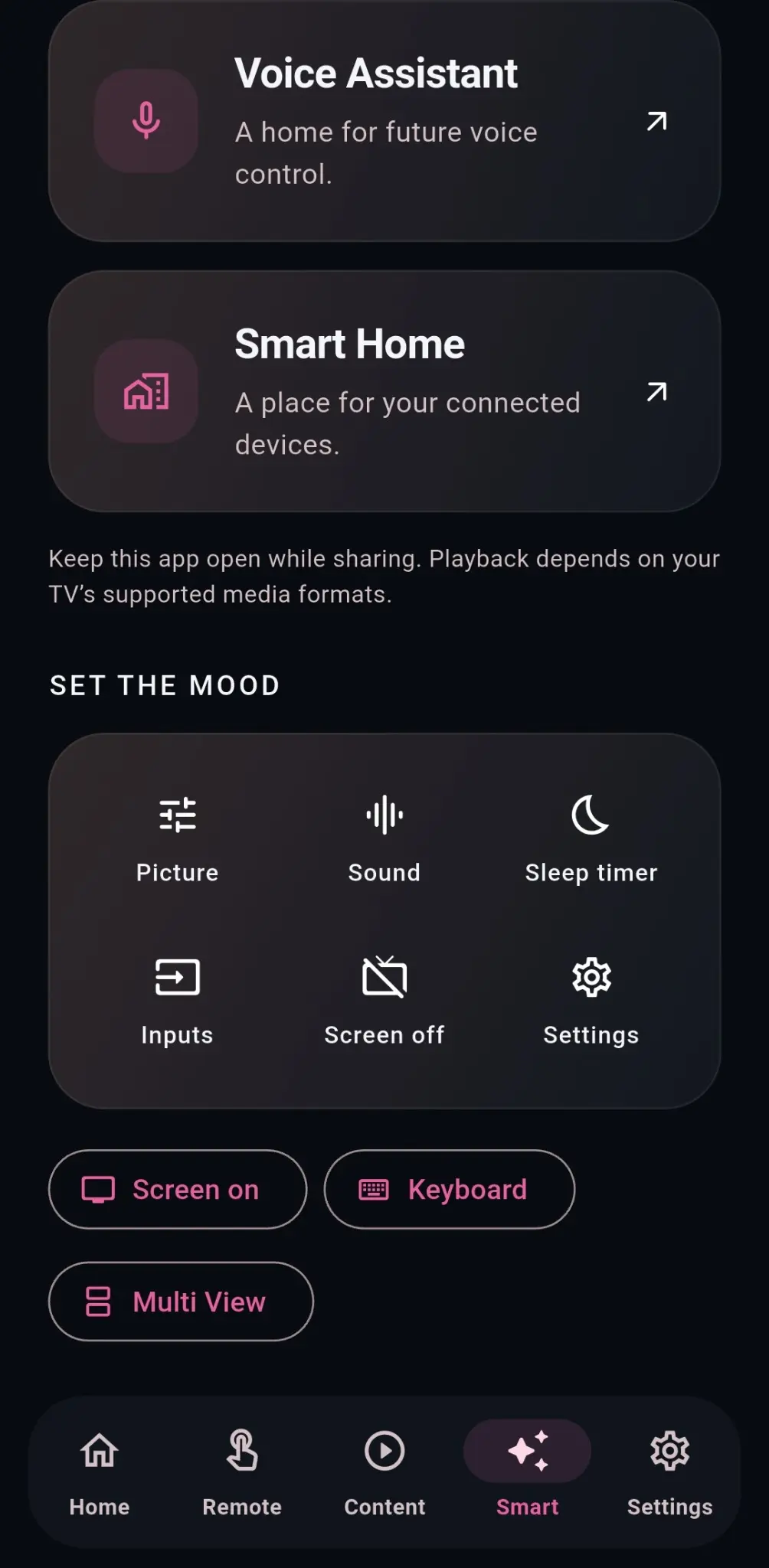
Clean screens for the controls, content and settings you use most.
Simple setup
Connect your phone and compatible LG webOS television to the same local network.
RiOSmart discovers your TV. Confirm the pairing prompt displayed on the television.
Navigate, manage volume, launch apps, switch inputs and access supported media controls.
RiOSmart has no advertising, analytics or user accounts. TV information and preferences are kept on your phone, while control commands remain on your local network whenever possible.
Read the privacy policyThe first Android release is being prepared and tested now.